
Retail shops
Use a Register setup for an item catalogue, inventory and checkout at the counter. Discuss barcode scanning, product variations, returns and stock alerts before choosing a plan.
POS systems · Canada & U.S.
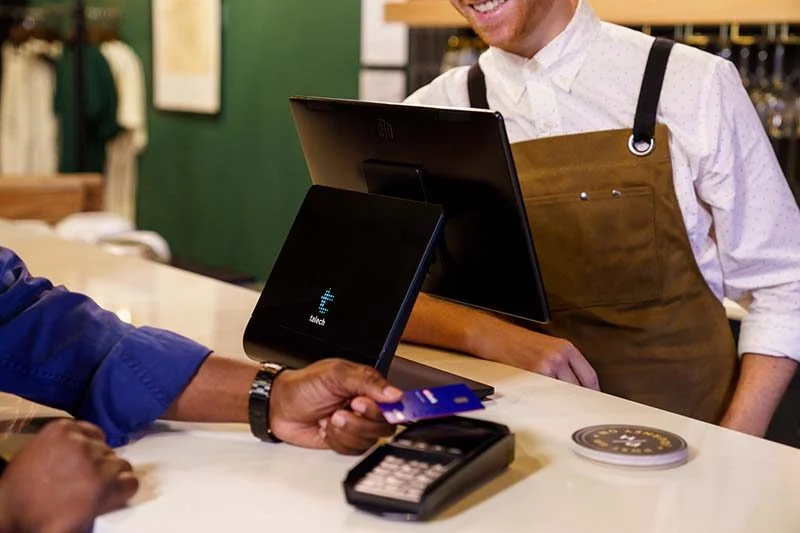
Bring checkout, orders and everyday business management together. Choose a countertop talech Register for a fuller POS setup, or a handheld talech Terminal for simpler selling on the move.
Available through Clearly Payments in Canada and the U.S.
At a glance
talech is a cloud-based point-of-sale platform with connected payments and business tools. The right configuration starts with how you take orders, manage items and serve customers.
Choose around your workflow
Start with what your staff need to do during a busy shift, then match the software and hardware to that work.
Use a Register setup for an item catalogue, inventory and checkout at the counter. Discuss barcode scanning, product variations, returns and stock alerts before choosing a plan.
Configure menus and modifiers for the way you serve. Table management, coursing, split checks and kitchen printing need the appropriate restaurant software and equipment.
Combine service checkout with product sales and customer records. If appointments or online booking matter, include those requirements in your plan review.
Current configurations
Choose Register for a full countertop POS or Terminal for basic handheld selling.
Countertop POS
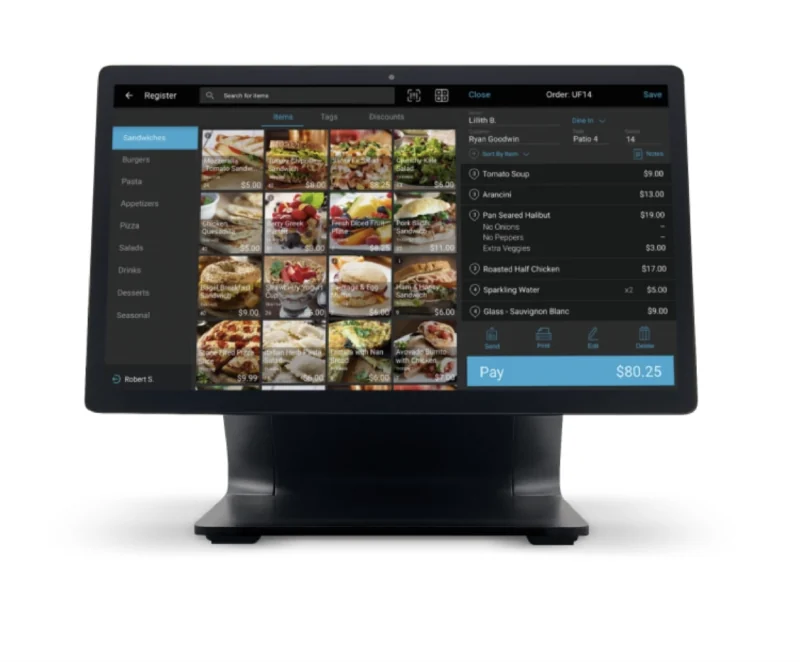
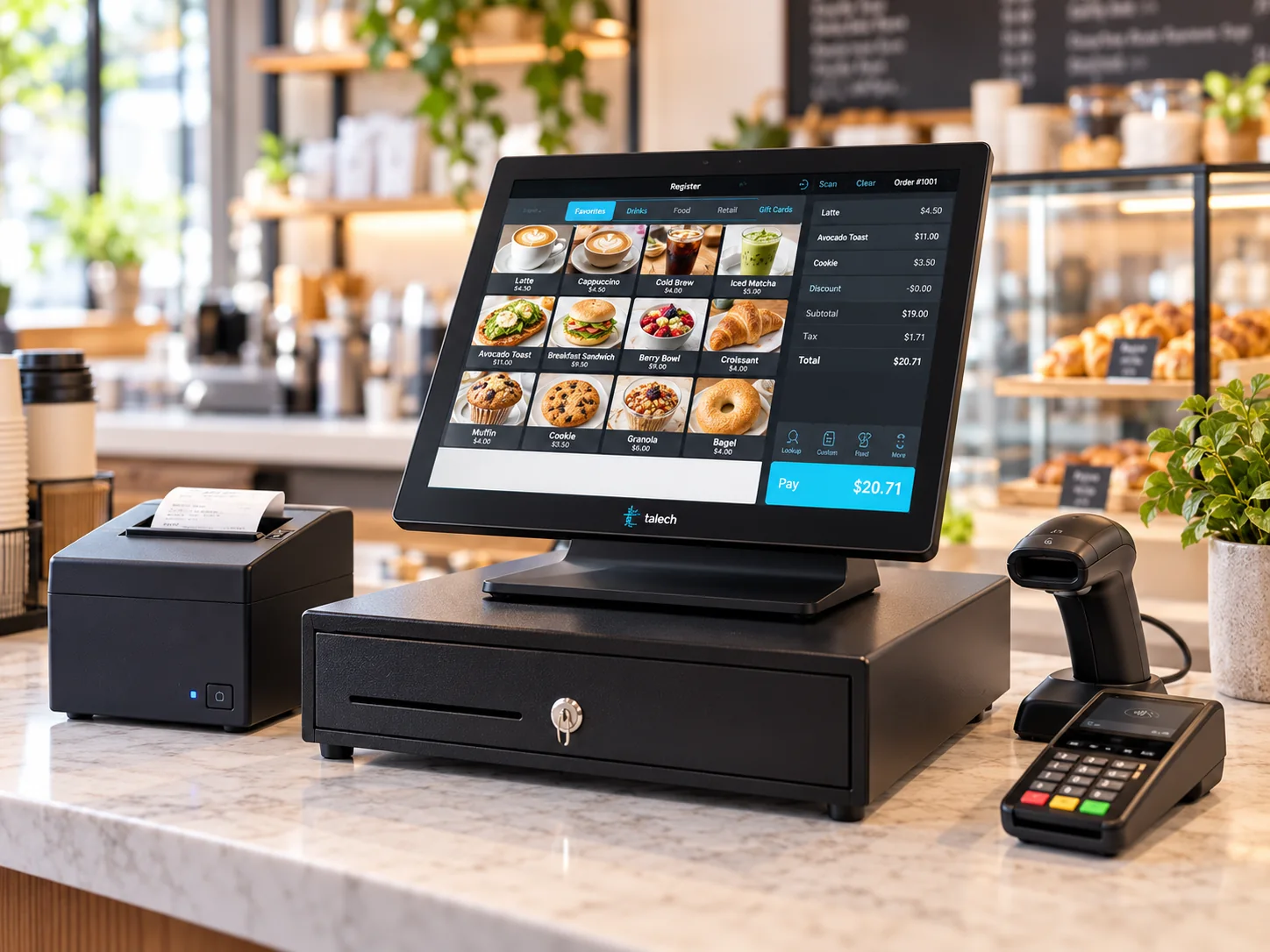
A dedicated checkout station for merchants who need more than payment acceptance. Manage orders and products while using a connected card reader for customer payments.
Handheld smart terminal
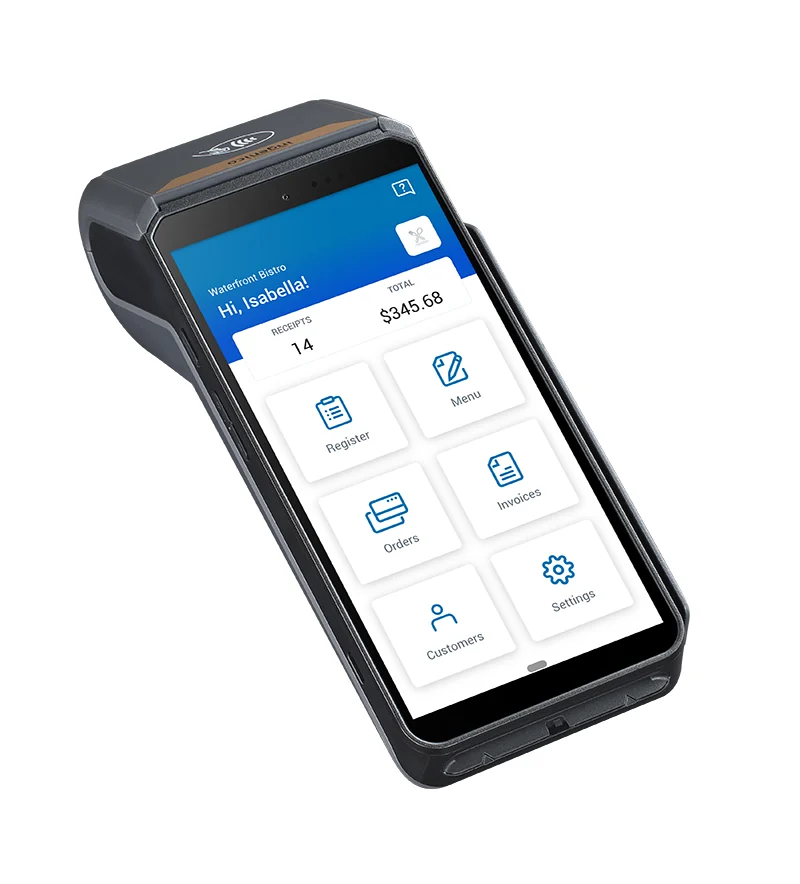
A dedicated handheld device with an integrated card reader and receipt printer. It suits a small shop, market stall or mobile service with straightforward checkout needs.
Looking for a portable smart-terminal setup? Explore the AXIUM DX8000 →
Canada and U.S. availability: Clearly Payments offers talech Register and talech Terminal in both markets. Register retail and restaurant bundles are listed in both country catalogues, including customer-display and peripheral options. Your quote identifies the equipment, software, accessories and payment services for your country.
Everyday capabilities
The following tools are available across talech plans. Clearly Payments will match your required features to the right plan; Terminal has a simpler feature set than Register.
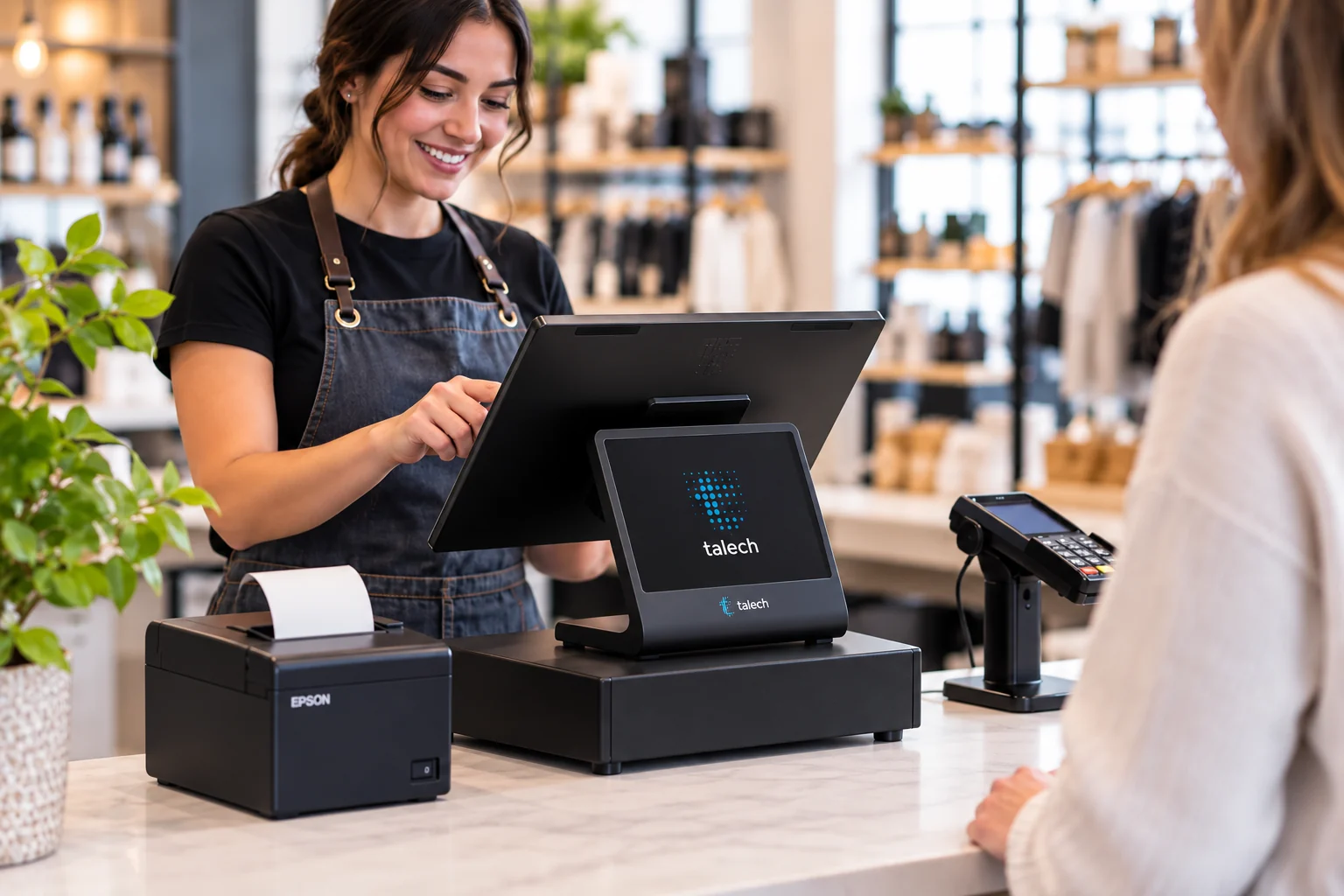
Build orders, apply discounts and process payments or refunds. Card and wallet acceptance depends on the approved payment setup. Restaurant check-splitting tools depend on the software tier.
Track items and quantities in Register. Stocktaking, inventory logs and low-stock alerts require the appropriate plan. Barcode scanning also needs a compatible scanner.
Review sales activity, popular items and customer spending to understand your business. Register offers broader operational reporting; Terminal provides reporting for its simpler selling workflow.
Register can support employee access, permissions and time tracking with the appropriate software. Do not assume Terminal offers the same staff controls or payroll integrations.
Use customer records and purchase history to support repeat visits. Confirm the customer tools, communications and any gift-card service included in your chosen plan.
Menus, modifiers and configured kitchen printing help connect the counter and kitchen. Online ordering and booking are available in the product family; eligibility, software tier, setup and additional charges need confirmation for your market.
Hardware & setup
Register uses a dedicated screen, connected payment reader and selected peripherals. Terminal brings payment acceptance and printing into one handheld. Choose around counter space, staff movement and network coverage.
Clearly Payments can help configure the POS and payment setup for your business. Existing printers, scanners or payment devices should be checked for compatibility before you plan to reuse them.
Pricing & software
Request a quote that separates hardware, software and payment processing. Your cost depends on the configuration, number of stations, software tier, accessories and optional services.
Review the Clearly Payments pricing approach and ask for a configuration-specific quote. Funding schedules and contract terms depend on the agreed merchant arrangement.
talech software materials distinguish Starter, Standard and Premium tiers. Register inventory basics differ from advanced stock tools, restaurant workflows and online services.
For example, the inventory guide identifies stocktaking and inventory logs as Premium features. In-app barcode-label printing is documented for iOS, rather than Android; that distinction does not mean Android Register cannot scan barcodes.
Ask Clearly Payments to confirm the current tier, market availability and extra charges for each must-have feature. Terminal's simpler software offering should be assessed separately.
Practical comparison
The useful comparison is the work you need to do, not the longest feature list. Compare an actual hardware and software quote for each option.
| Option | Consider it when | Check before choosing |
|---|---|---|
| talech Register | You need a fixed POS station with inventory, orders and business tools. | Plan, industry workflow, peripherals and country-specific configuration. |
| talech Terminal | You want a handheld payment device with a simple catalogue and reporting. | 100-item catalogue limit, connectivity and the business features you actually need. |
| Clover POS | You are comparing handheld, compact-counter or full-station POS approaches for a U.S. business. | Device generation, software plan and app requirements. Compare Clover POS systems; Clearly Payments offers Clover in the U.S. only. |
| Payment terminal | Taking payments is the main task and you do not need a full POS catalogue or staff workflow. | Standalone vs integrated use and compatibility with any existing POS. Explore payment terminals. |
A merchant who wants connected checkout, product management and reporting can start with a focused configuration. Register supports a fuller counter workflow, while Terminal keeps basic mobile selling compact.
Review alternatives if you need a specific third-party integration, specialist restaurant workflow or reuse of existing hardware. Confirm those requirements before ordering rather than assuming universal compatibility.
Buyer questions
talech is a cloud-based point-of-sale platform for checkout and business management. Its configurations include the countertop talech Register and handheld talech Terminal, with different hardware and software capabilities.
Yes. Clearly Payments offers talech in Canada and the U.S. The device, bundle, payment setup, software features and terms should be confirmed for the country where your business operates.
Register is a countertop POS setup with connected payment hardware and selected peripherals. Terminal is a dedicated AXIUM handheld with a built-in card reader and printer, a catalogue of up to 100 items and reporting. Terminal offers basic selling tools; Register supports a fuller POS workflow.
Costs depend on the software and equipment arrangement. A software subscription, equipment rental or optional services may carry recurring charges, alongside payment processing costs. Ask for an itemized quote rather than assuming one advertised bundle price applies to every configuration.
Register can suit both when configured for the workflow. Retailers should check inventory, scanners and returns. Restaurants should check menus, modifiers, tables, split checks and kitchen printing against the proposed software tier and equipment.
Register supports inventory tools, with more advanced functions dependent on plan. Stocktaking and inventory logs are documented as Premium features. Terminal's up-to-100-item catalogue should not be treated as an equivalent advanced inventory system.
talech supports multi-location account arrangements. Ask Clearly Payments to confirm how your locations, staff access, catalogues and reporting would be organized.
These services are available within the talech product family, but they depend on the software tier, business type, market and setup. Confirm the exact feature, ongoing charges and workflow before making it part of your launch plan.
Compatibility needs to be checked for each device and connection. Send Clearly Payments your current POS, printer, scanner and software details before buying equipment or planning a migration. A compatible-looking connector does not establish software support.
Related options
Compare the main POS approaches for your checkout and business workflow.
Explore point-of-sale systems →For a U.S. business comparing a handheld POS, review the current Clover Flex offering.
Explore Clover Flex →Review your existing business software and the payment connections you need.
Discuss payment integrations →Clearly Payments · Canada & U.S.
Tell us how you sell, which features matter and what equipment you already use. We will help you compare the configuration, software and payment arrangement.